Best Video Conferencing Tools for Virtual Mastermind Groups
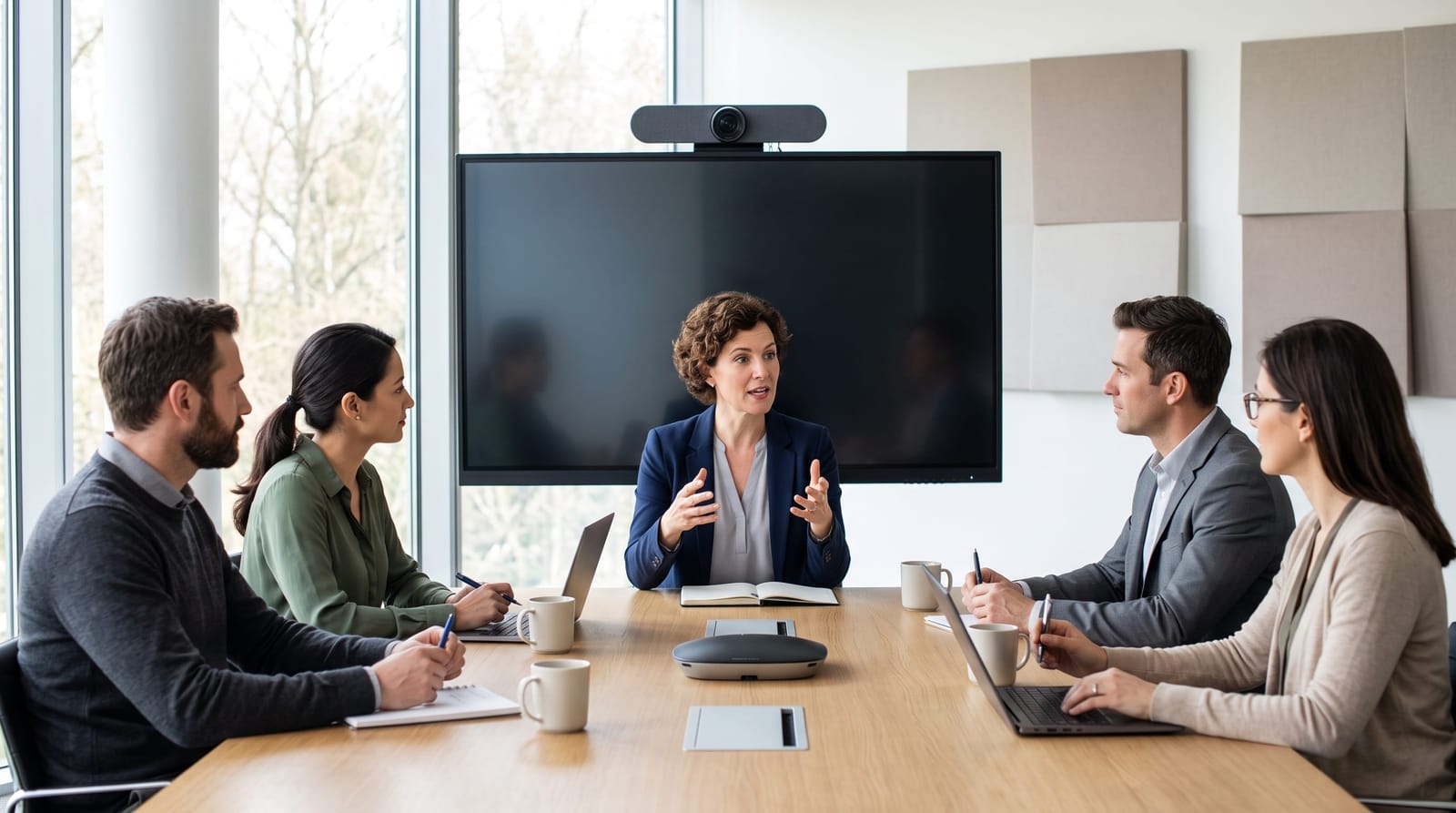
Choosing the right video conferencing platform can make or break the experience of your virtual mastermind group. When entrepreneurs and business owners meet remotely, they need more than a basic video call: they need tools that support focused discussion, confidential sharing, and genuine connection. This overview breaks down the top platforms for virtual mastermind sessions, the features that matter most, security considerations, and how to troubleshoot the issues that inevitably come up along the way.
Why Video Conferencing Quality Matters for Mastermind Groups
A mastermind group lives or dies on the quality of its conversations. Research consistently shows that video communication helps remote participants feel more connected: one widely cited figure suggests that 89% of remote employees feel more engaged with their colleagues when video is used versus audio-only calls. For mastermind groups, where trust, vulnerability, and active listening are foundational, that sense of presence matters enormously.
Unlike a team standup or a client presentation, mastermind meetings require a specific environment: small group sizes (typically 6-12 members), extended session durations ranging from one hour to several hours, and a confidential atmosphere where members feel safe presenting their real business challenges. The platform you choose needs to support all of these elements without creating friction that pulls attention away from the conversation itself.
Poor audio quality, lag, or complicated interfaces don't just cause technical frustration: they actively undermine the psychological safety that makes mastermind discussions valuable. Selecting a reliable, intuitive platform is a foundational decision for any group facilitator or member.
Top Video Conferencing Platforms for Virtual Mastermind Groups
There is no single "best" platform for every group, but several tools have proven especially well-suited to mastermind-style meetings. Here is an honest look at the leading options:
Zoom
Zoom remains the most widely adopted platform for virtual mastermind groups, and for good reason. Its reliability, broad device compatibility, and feature set make it a strong default choice. Key advantages include breakout rooms (useful for smaller sub-discussions within larger groups), a waiting room feature that controls entry, screen sharing with annotation tools, and cloud recording for members who want to review sessions later. Zoom's free tier limits meetings to 40 minutes, so most active mastermind groups will require a paid plan. The interface is familiar to most business professionals, which reduces the onboarding friction that can slow early group momentum.
Google Meet
Google Meet integrates seamlessly with Google Workspace, making it an attractive option for groups that already use Gmail, Google Calendar, and Google Drive for organization. It requires no software download for participants: members join directly through a browser link, which lowers the barrier for less tech-comfortable participants. Google Meet offers solid video and audio quality, live captions, and basic screen sharing. It is a particularly good fit for groups that prioritize simplicity over advanced features.
Circle
Circle occupies a different category from Zoom or Google Meet: it is a community platform with built-in live session capabilities rather than a standalone conferencing tool. For mastermind facilitators who want a single hub where members can access recordings, share resources, continue discussions between meetings, and join live video sessions, Circle offers an integrated experience that reduces the need to stitch together multiple tools. It works especially well for groups that have a membership or coaching component layered into their structure.
Riverside.fm and Squadcast
For mastermind groups that record sessions and value high audio and video quality, for internal archives or content creation, Riverside.fm and Squadcast record each participant's feed locally before uploading, which eliminates quality degradation from internet fluctuations. These are more specialized tools, but they are worth knowing about for groups where session recordings are a meaningful part of the value delivered.
Features That Matter Most for Mastermind Meeting Success
Not every video conferencing feature is equally relevant to mastermind settings. When evaluating platforms, prioritize these capabilities:
- Waiting rooms or lobby controls: Confidentiality is non-negotiable in mastermind groups. Platforms that allow hosts to admit participants individually prevent uninvited guests from joining sensitive discussions.
- Stable audio with noise suppression: Background noise from home offices is a persistent challenge. Look for platforms with built-in noise cancellation or easy integration with tools like Krisp.
- Screen sharing with annotation: Members often want to walk the group through a document, financial overview, or strategic plan. Clean screen sharing with the ability to highlight or annotate in real time adds significant value.
- Recording and playback: Groups that rotate the "hot seat", where one member presents their core challenge each session, benefit greatly from being able to review recordings afterward.
- Breakout rooms: For larger groups or structured exercises, the ability to split into pairs or small clusters temporarily is a powerful facilitation tool. This is covered in more depth in resources on creating engagement in virtual mastermind group meetings.
- Mobile accessibility: Not every member will always be at a desktop. Platforms with strong mobile apps ensure consistent participation regardless of location.
Security Considerations for Confidential Group Discussions
Mastermind groups routinely involve members sharing sensitive business information: revenue figures, strategic pivots, personnel challenges, and personal struggles. This makes security a genuine priority, not a checkbox item.
When evaluating platforms, consider the following areas:
- End-to-end encryption: Check whether the platform encrypts meetings in transit and, where possible, at rest. Zoom, Google Meet, and most major platforms offer encryption, though the specific implementations vary. Review each platform's current security documentation rather than relying on generalizations.
- Meeting password protection: Always enable password protection for mastermind sessions. This prevents unauthorized access even if a meeting link is inadvertently shared.
- Recording permissions: Control who can initiate recordings. In most platforms, hosts can restrict this capability so that members cannot record sessions without explicit permission: an important confidentiality safeguard.
- Data storage and retention: Understand where cloud recordings are stored and for how long. Some groups prefer to download recordings locally and delete cloud copies promptly to minimize exposure.
Because data privacy regulations and platform policies evolve frequently, it is worth periodically reviewing your chosen platform's current terms and security practices. Groups with specific compliance needs should consult with a qualified technology or legal professional for guidance tailored to their situation.
Troubleshooting Common Video Conferencing Issues
Even well-prepared groups encounter technical problems. Having a simple troubleshooting protocol in place prevents a single technical hiccup from derailing an entire session.
- Audio problems: The majority of audio issues stem from incorrect input/output settings rather than platform failures. Ask the affected participant to check their device's audio settings and the platform's audio input selection before assuming a broader problem.
- Video freezing or lag: Unstable internet connections are the most common culprit. Encourage members to use a wired ethernet connection when possible, close bandwidth-heavy applications before joining, and keep their video off temporarily if the group is experiencing collective lag.
- Participants unable to join: Browser compatibility issues are frequent for platforms like Google Meet. Establish a backup dial-in phone number for every session so that members with joining difficulties can participate via audio while resolving the video issue.
- Screen share not visible to others: This is often a permissions issue on Mac or Windows systems. Brief members in advance on how to grant screen recording permissions to their conferencing app within their device's system settings.
- Echo or feedback: Echo typically occurs when one participant is playing audio through speakers while using a microphone nearby. Headphones eliminate this problem almost entirely and should be recommended as a standard practice for all members.
Frequently Asked Questions
What is the best free video conferencing tool for a small mastermind group?
Google Meet is a strong free option for small mastermind groups, particularly those with 10 or fewer participants. It requires no software installation, integrates with Google Calendar for easy scheduling, and has no meeting time limit for one-on-one calls. For group sessions, the free tier supports up to 60-minute meetings with up to 100 participants. Zoom's free tier is also functional but caps group meetings at 40 minutes, which may interrupt longer mastermind sessions.
How many participants can join a virtual mastermind session without impacting quality?
Most experienced mastermind facilitators keep groups between 6 and 12 members, and this range works comfortably on any major video conferencing platform. Beyond 12 participants, managing discussion flow becomes more difficult and the quality of individual member contributions tends to decrease. The technical quality of the platform is rarely the limiting factor at these group sizes: facilitation structure and meeting design matter far more.
Should mastermind group sessions be recorded?
Recording can add real value: members can revisit the advice they received, and those who miss a session can stay current. However, recording requires the explicit, informed consent of all participants before the session begins, especially given the sensitive nature of mastermind discussions. Establish a clear group agreement about who can access recordings, where they are stored, and when they are deleted. This conversation should happen during group onboarding, not after the fact.
Can a mastermind group use different platforms for different sessions?
Technically yes, but consistency is strongly recommended. Switching platforms between sessions adds cognitive load and increases the likelihood of joining difficulties. Choose one primary platform, make sure all members are comfortable with it, and stick with it unless there is a compelling reason to change. If a platform change becomes necessary, give members at least two to three weeks of notice and offer a brief orientation session before switching.
Conclusion
The right video conferencing tool creates a stable, secure, and distraction-free environment where mastermind group members can focus entirely on helping each other grow. Zoom, Google Meet, and Circle each offer meaningful advantages depending on your group's size, technical comfort level, and operational needs. Prioritizing security, reliable audio, and host controls will serve any mastermind group well. Once your platform is in place, the next layer of focus should be the meeting design itself: the structures and facilitation techniques that turn a video call into a genuinely transformative group experience, a topic explored further in guidance on creating engagement in virtual mastermind group meetings.