Creating Engagement in Virtual Mastermind Group Meetings
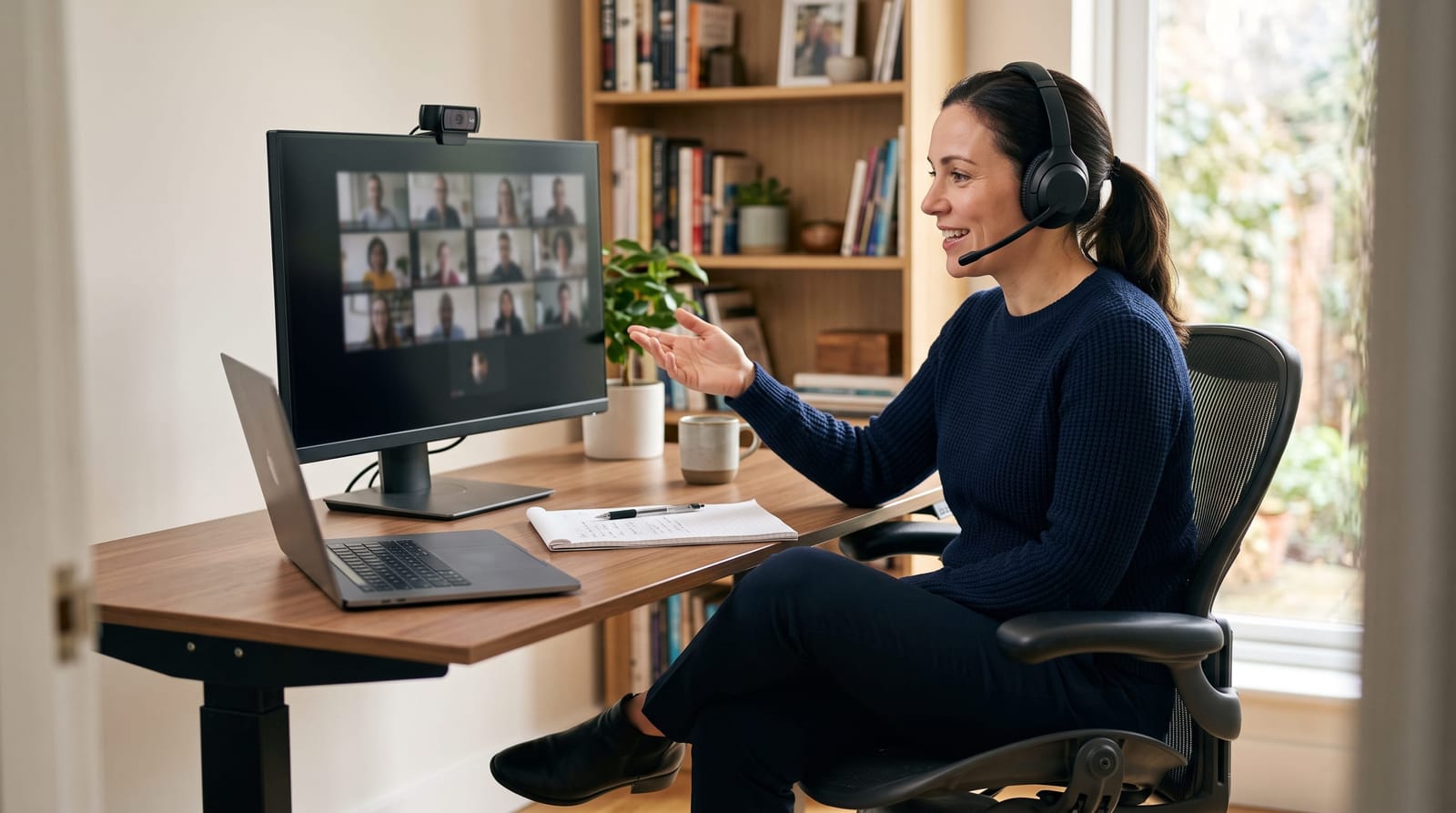
Running a virtual mastermind group that genuinely energizes participants is harder than it looks. Without the natural momentum of an in-person room, even the most motivated entrepreneurs can drift into passive listening mode within minutes. If you manage or facilitate a virtual mastermind group, you already know that engagement is the difference between sessions people race to attend and sessions people quietly skip. This guide breaks down practical, proven techniques for boosting virtual mastermind group engagement: covering meeting structure, interactive tools, facilitation skills, and how to fight the fatigue that kills participation.
Why Virtual Mastermind Group Engagement Is a Distinct Challenge
In-person mastermind sessions benefit from subtle social cues: eye contact, body language, the energy of a shared physical space. Strip all of that away and replace it with a grid of faces on a screen, and you introduce a fundamentally different dynamic. Research on video conferencing consistently shows that participants experience significantly more cognitive fatigue during video calls than during equivalent in-person meetings: a phenomenon widely documented as "Zoom fatigue." Studies suggest that the average attention span during a standard video meeting drops noticeably after just 10 to 15 minutes of passive content consumption.
Virtual mastermind groups also tend to draw members from multiple time zones. A participant joining at 6:00 a.m. and another wrapping up a full workday at 7:00 p.m. are at very different energy levels. This diversity of schedules is one of the genuine advantages of virtual formats, it widens the talent pool dramatically, but it makes thoughtful meeting design non-negotiable.
The good news is that virtual mastermind group engagement responds directly to structure and facilitation. Groups that apply deliberate techniques regularly report stronger member retention and more actionable outcomes per session than groups that treat the online format as a simple substitute for an in-person meeting.
Structuring Meetings to Sustain Energy From Start to Finish
The single most effective lever for virtual mastermind group engagement is meeting structure. A predictable, well-paced agenda reduces cognitive load and tells participants exactly when they will have space to contribute: eliminating the hesitation that keeps quieter members silent.
Consider building every virtual mastermind session around the following rhythm:
- Opening check-in (5-8 minutes): Ask each member to share a one-sentence win from the past week. This activates everyone's voice early and creates positive momentum.
- Hot seat rotation (20-30 minutes): One member presents a current challenge in detail. Others ask clarifying questions for 5 minutes, then offer uninterrupted input for 10-15 minutes. Rotate the hot seat each session so every member gets regular focused time.
- Breakout discussion (10-15 minutes): Break into pairs or trios to apply insights from the hot seat to each member's own situation. This prevents passive observation and creates accountability.
- Commitment round (5 minutes): Each member states one specific action they will take before the next meeting. Public commitments with a deadline drive follow-through.
Keeping total meeting time between 60 and 90 minutes is a widely cited best practice in virtual facilitation. Sessions longer than 90 minutes without a structured break see measurable drops in participation quality in the final third of the meeting.
Interactive Elements That Drive Participation
Passive video attendance is the enemy of virtual mastermind group engagement. Interactive elements force cognitive involvement and signal to participants that their presence matters beyond just being a face on a grid.
Polls and Real-Time Voting
Most major video conferencing mastermind groups use platforms that include built-in polling features. Launching a quick 2-question poll at the start of a hot seat discussion, asking members to vote on the core challenge before discussion opens, primes thinking and gives the presenter immediate data. It also ensures that every member has contributed before the verbal discussion begins, lowering the barrier to speaking up.
Shared Digital Whiteboards
Tools like Miro, MURAL, or the native whiteboards built into platforms like Zoom allow members to contribute ideas simultaneously in a visual format. During brainstorming segments, a shared whiteboard where everyone is typing or placing sticky notes simultaneously creates genuine co-creation rather than serial idea-sharing. Groups using collaborative visual tools report feeling more like contributors and less like audience members.
Chat as a Parallel Channel
Encourage members to use the chat window as an active layer of discussion rather than a logistics tool. When the hot seat member is speaking, others can post questions in chat without interrupting. The facilitator then curates the best questions aloud. This technique alone can triple the number of members who contribute meaningfully in a single session.
Accountability Tracking Documents
Maintain a shared document, visible to all members, that tracks each person's commitments across sessions. Opening every meeting by reviewing last session's commitments takes only 3 minutes and dramatically increases follow-through. Visibility creates accountability, and accountability drives engagement at the next meeting.
Facilitation Skills That Prevent Virtual Meeting Fatigue
Because your group is not meeting in person, your skills as a facilitator must compensate for everything the physical environment would normally provide. Strong facilitation is the backbone of sustained virtual mastermind group engagement.
Specifically, effective virtual facilitators:
- Call on members by name rather than waiting for volunteers. This distributes participation and prevents the same 2-3 voices from dominating every session.
- Narrate transitions explicitly. Saying "We are moving from the hot seat into breakout rooms now: here is what you should discuss" prevents the confusion that causes disengagement.
- Monitor non-verbal cues actively. A member with their camera off, or one who has not spoken in 20 minutes, is a signal to draw them in with a direct question.
- Keep their own energy visibly high. On video, energy is contagious, but so is flatness. Facilitators who speak with intentional vocal variety and genuine enthusiasm set the emotional tone for the room.
- Time-box ruthlessly. Allowing one member to speak for 12 uninterrupted minutes while others wait silently is the fastest way to destroy session energy. A simple visual timer shared on screen keeps everyone on pace.
Platforms like Mighty Networks also offer asynchronous messaging and live streaming features that allow engagement to continue between formal meeting sessions: extending the community experience beyond the scheduled call.
Building Connection Between Sessions
Virtual mastermind group engagement does not begin and end at the meeting itself. Groups that maintain an active between-session culture see dramatically higher participation rates: some facilitators report 30-40% more active involvement from members who engage on a community platform between calls versus those who only show up for scheduled meetings.
Practical between-session engagement tactics include:
- A dedicated messaging channel (Slack, a private Facebook group, or a platform like Mighty Networks) where members share wins, ask quick questions, and celebrate each other's progress
- Weekly async video updates, 90-second videos where each member shares their progress on their commitment, posted to the group channel
- Peer accountability pairs who check in with each other once between formal sessions
- A shared reading or resource recommendation from the facilitator each week to create common context for the next meeting
Groups that treat the scheduled meeting as the centerpiece of a larger ongoing community consistently outperform those that treat it as the entire experience.
Frequently Asked Questions
How long should virtual mastermind group meetings be?
Most virtual mastermind facilitators find that 60 to 90 minutes is the optimal session length. Below 60 minutes, there is rarely enough time to complete a meaningful hot seat and commitment round. Beyond 90 minutes without a structured break, attention and energy quality typically decline significantly. If your agenda requires more time, build in a 5-10 minute break at the 45-minute mark.
What is the ideal group size for virtual mastermind group engagement?
Most experienced facilitators recommend between 5 and 8 members for a virtual mastermind group. Groups smaller than 5 can lack the diversity of perspective that makes hot seat discussions valuable. Groups larger than 8 make it difficult to give every member meaningful airtime in a single session and increase the likelihood of passive participation. Groups of 6 tend to hit the sweet spot most consistently.
How do you handle members who rarely participate in virtual mastermind sessions?
Low participation usually signals one of three issues: the meeting format does not create natural entry points for quieter members, the member does not feel psychologically safe enough to share openly, or their schedule or energy level makes consistent participation difficult. Address this by designing structured moments where every member speaks (like a check-in round), having a private one-on-one conversation with the member to understand their experience, and reviewing whether meeting times still work for their situation.
Should virtual mastermind group members keep their cameras on?
Yes, cameras-on is strongly recommended for virtual mastermind sessions. Non-verbal communication, nodding, expressions of recognition, leaning in, provides the facilitator and fellow members with critical feedback and creates a sense of shared presence. Many groups establish a cameras-on norm as part of their membership agreement from day one. If a member occasionally needs to join camera-off due to circumstances, that is understandable, but it should be the exception rather than the default.
Conclusion
Virtual mastermind group engagement is not accidental: it is engineered through deliberate structure, skilled facilitation, the right interactive tools, and a community culture that extends beyond the scheduled call. Groups that apply these techniques consistently see stronger member retention, more actionable outcomes, and the kind of trust that makes peer advisory groups genuinely transformative for business growth. If you are building or refining your virtual group, these principles are a solid foundation. For deeper context on how mastermind groups work overall, explore the complete guide to business mastermind groups and how they fit into a long-term growth strategy.